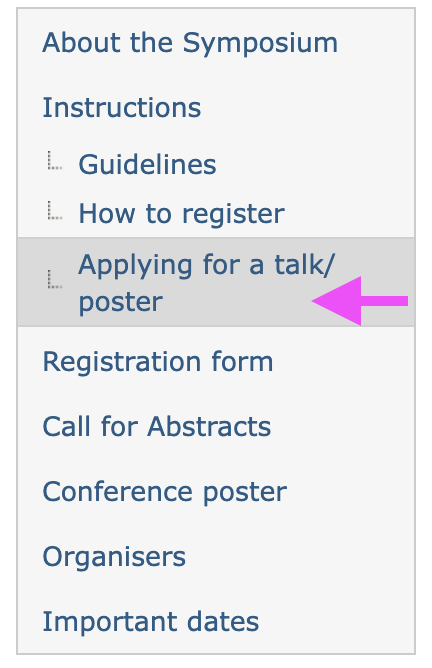
Everyone who would like to attend the ASI SCAI-26 needs to fill in the Registration Form. After you do so, you can fill in the Abstract Submission Form only if you want to apply for presenting a talk or a poster.
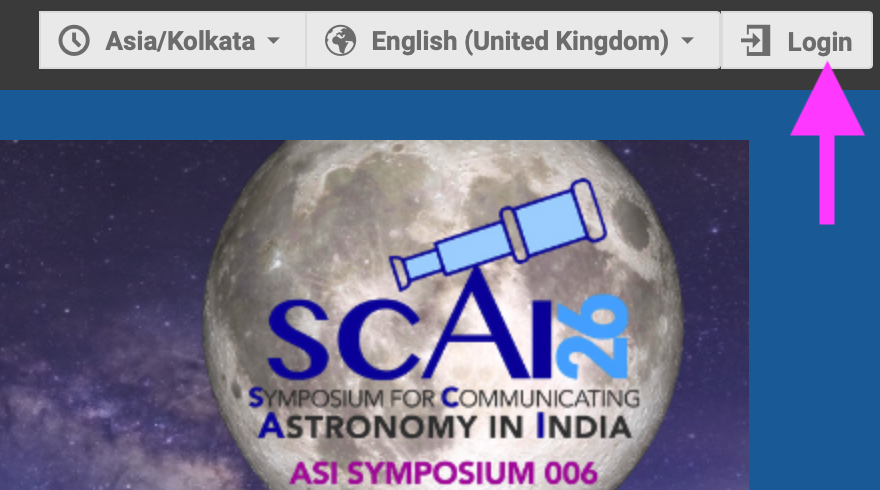
Step 1: if you do not have an IIA Indico account already, you need to create one first. Click on 'login' in the top right corner. If you have a login already, go to Step 6
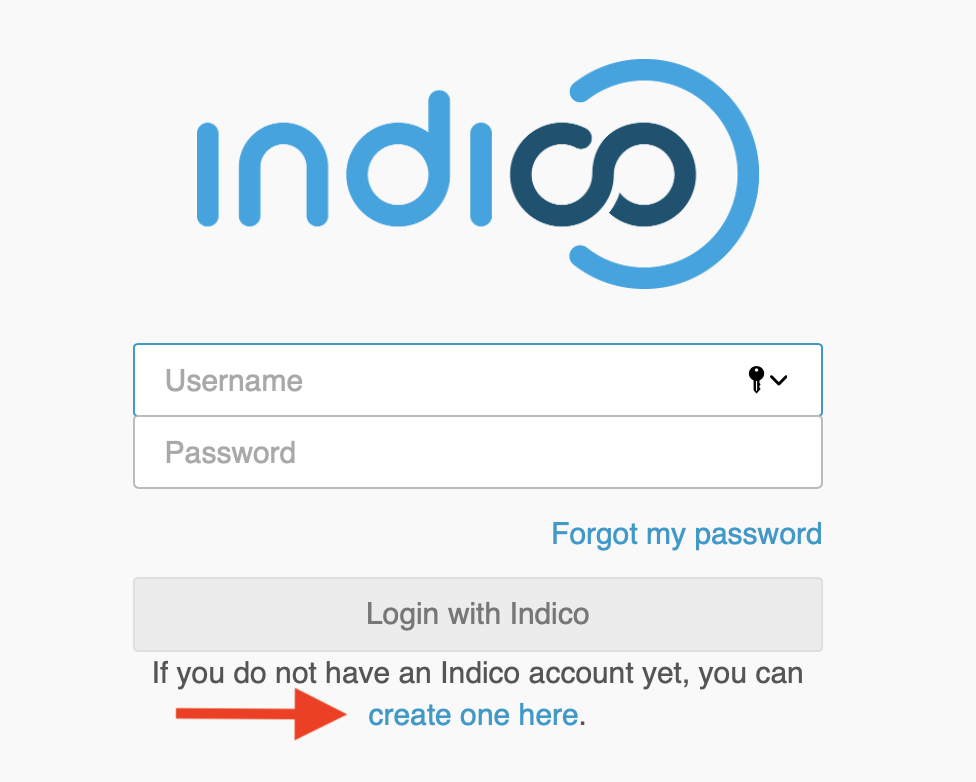
Step 2: You will be taken to a login page. Click on 'create one here'.
Step 3: You will now to be taken to a page where you have to enter your email address for verification. Please use only this email for all subsequent forms and communication.
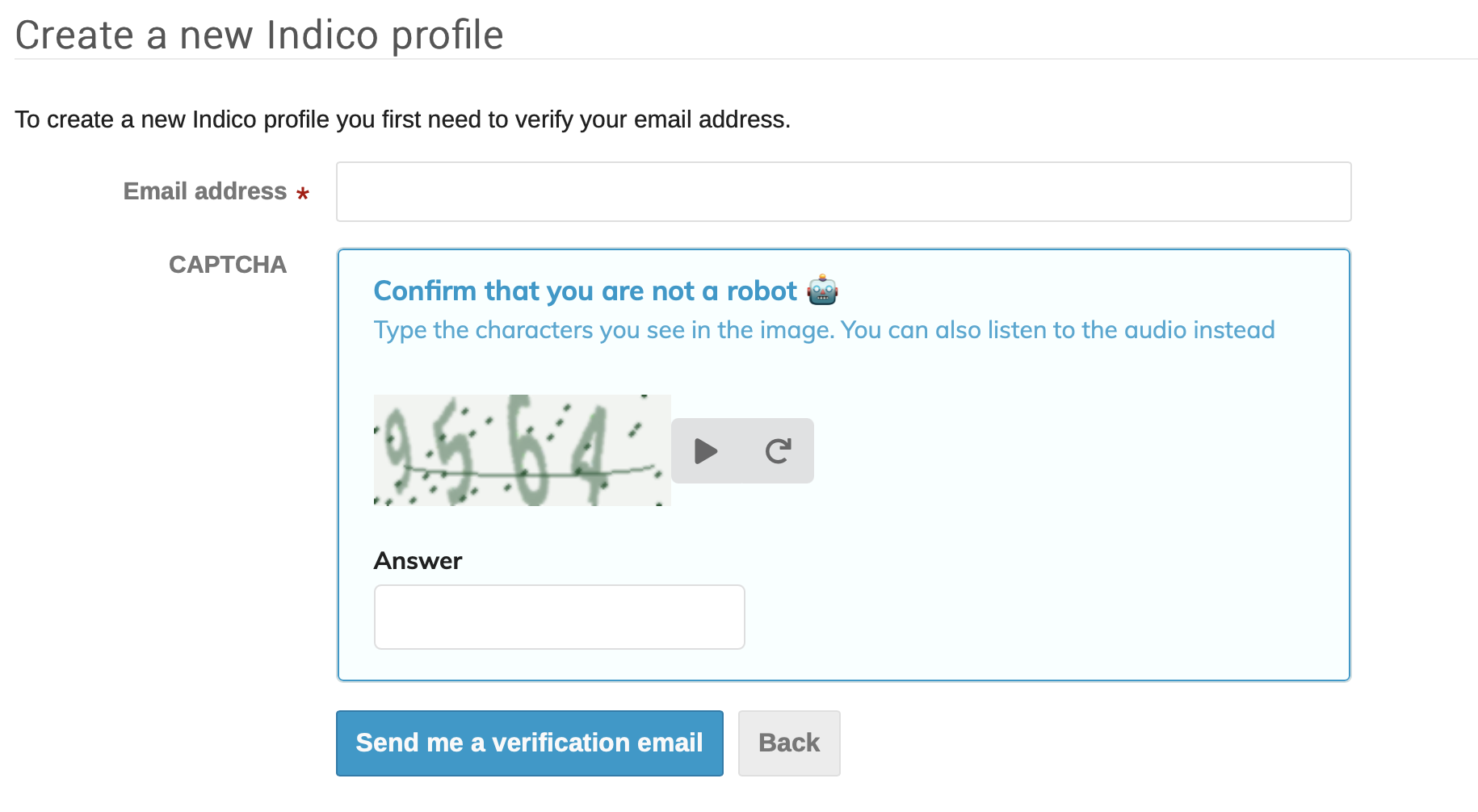
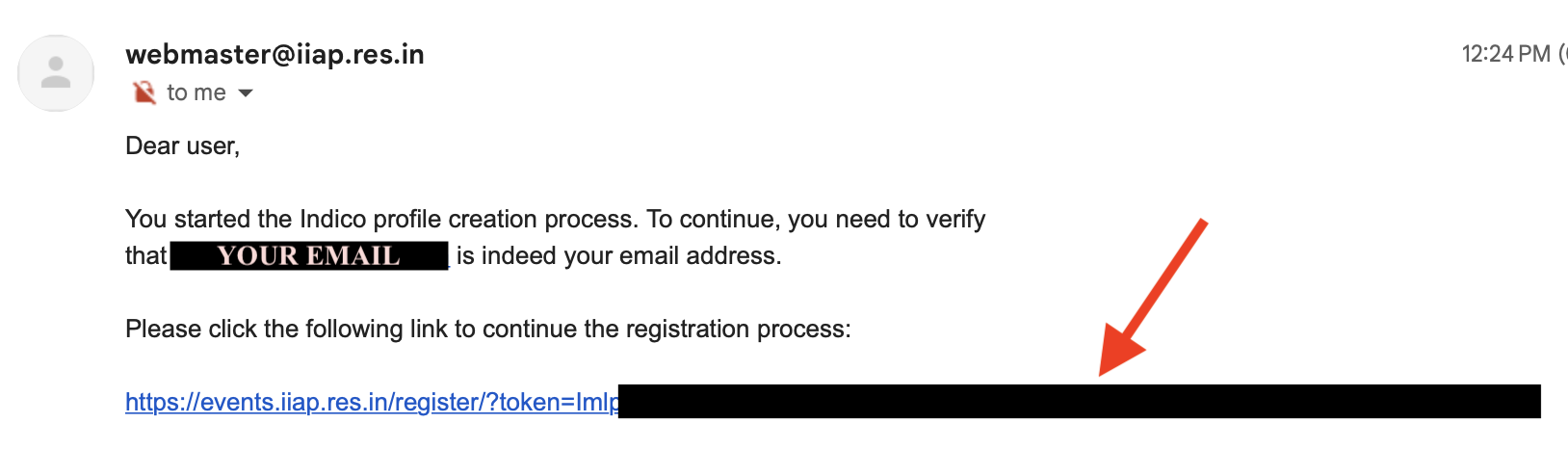
Step 4: Once done, you will receive an email in your inbox with a link to click to verify your address.
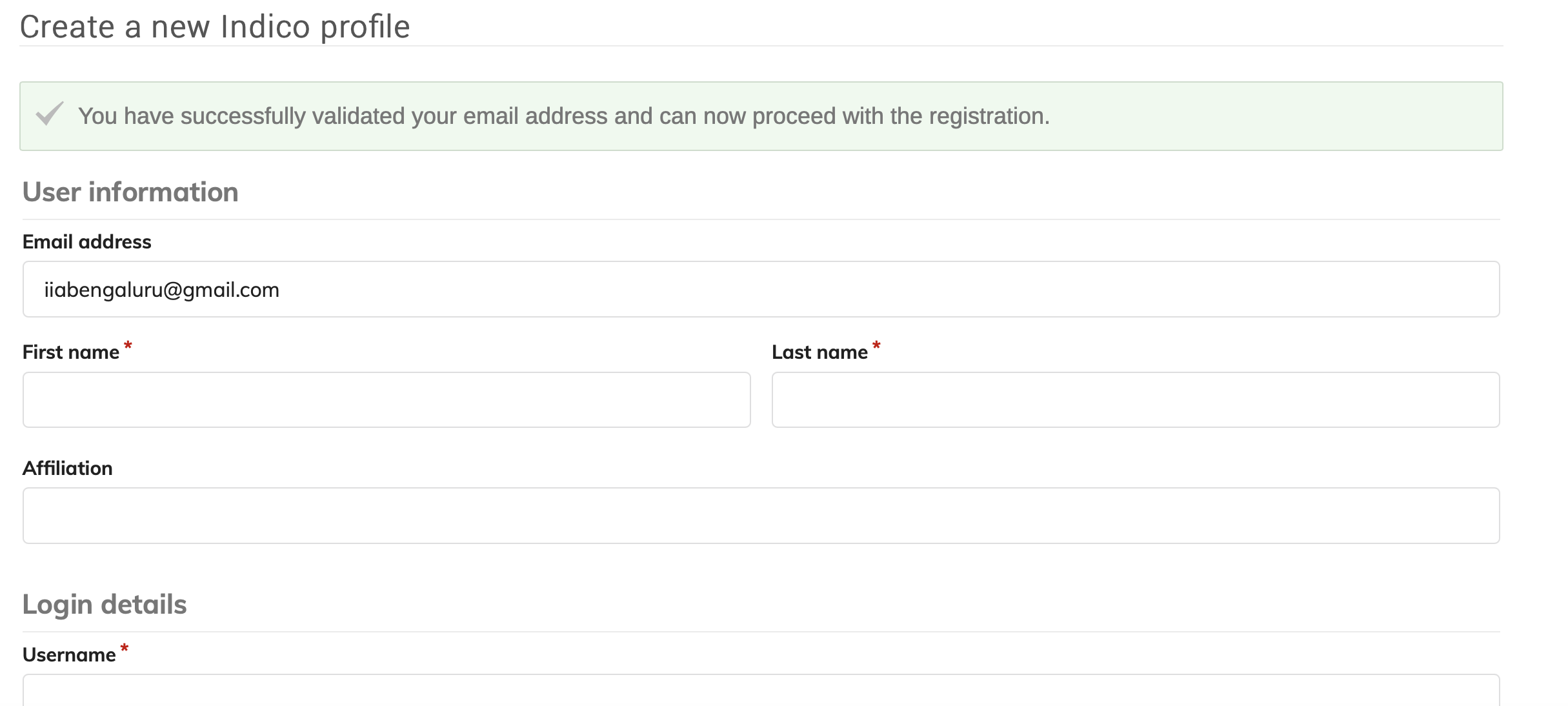
Step 5: You will be taken to a page to fill in your personal details in order to complete your account details. Type in a username and a strong password of your choice, and click on 'Create my Indico profile'.
Note that this is NOT the conference registration form but only the process to create an account on the Indico server of IIA. You will NOT get an email confirming your account creation.
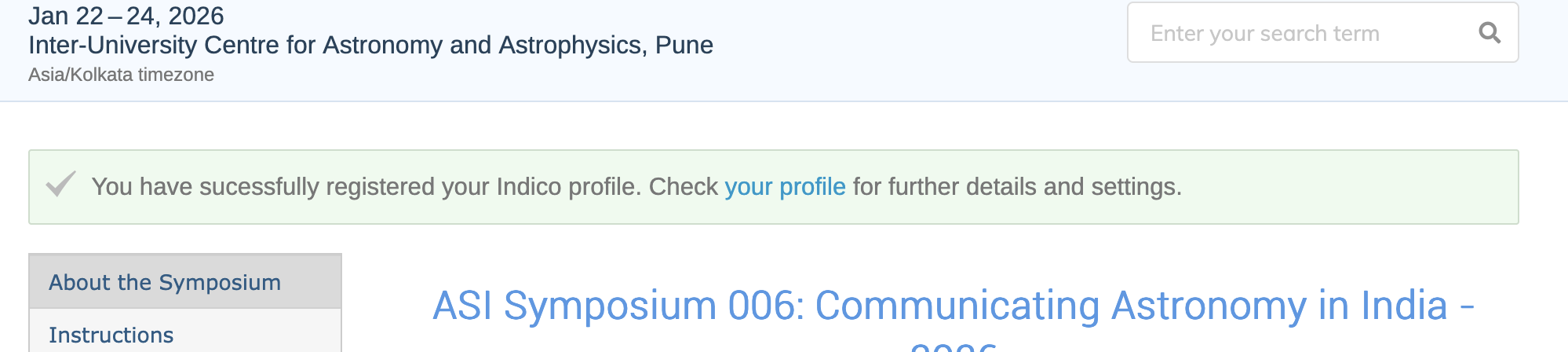
You will be taken to the front page, with the message that you have successfully registered your Indico profile.
Note: You have now created a login on the Indico webpage of IIA. You will now have to register for the ASI SCAI-26 Symposium itself.
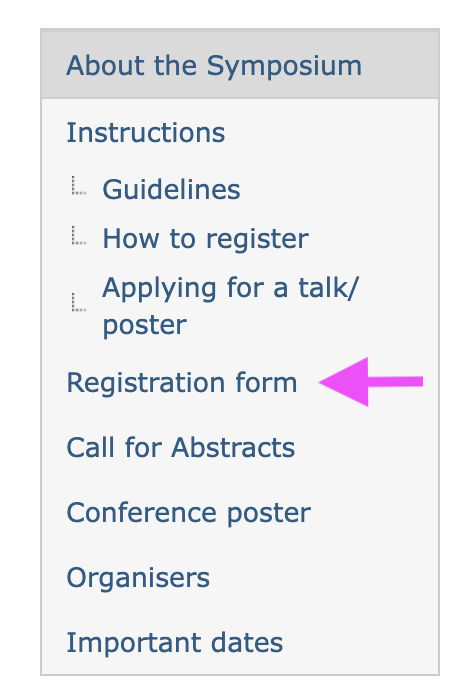
Step 6: You can now register for this Symposium. Click on 'Registration form' on the menu on the left.
Step 7: You will be taken to a page to fill in your details. Please make sure you fill in the same email address that you used above, to create a login on Indico.
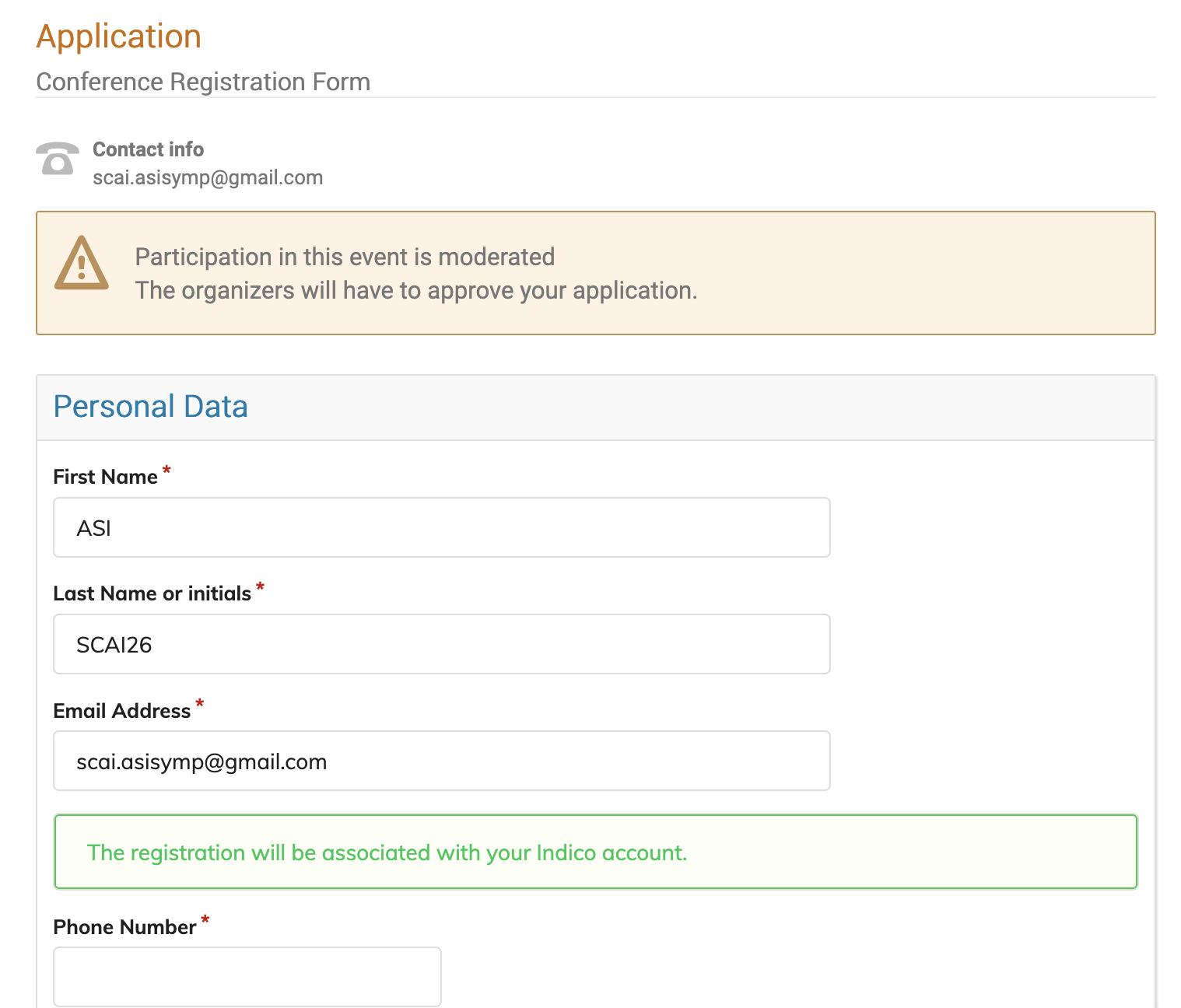
Notes on some fields in the registration form
- Please fill in a phone number that is preferably on WhatsApp. We wil create a WhatsApp group of all attendees shortly before the Symposium, for each of communication.
- We ask for your age and gender only for the purpose of collecting statistics on the applicant pool and the selected participants.
- If you do not have an affiliation, or place of work, you can enter Independent.
- Can you tell us why you would like to attend the Symposium, and what would be the impact on your subsequent work? - This will help us while deciding on subsidies etc, so please do fill this in with care.
- Are you requesting funding support for the following: If you are requesting travel support (lesser of non-AC sleeper train fare or actual fare), accommodation support (free-of-charge rooms at IUCAA or subsidy for external rooms), registration fees waiver (fee is Rs 1000), then check the relevant boxes. If you can fund yourself or your institution can fund you, please do check the last box. Note that limited funding is available, and hence not everyone requesting support will be able to obtain it. If you have asked for funding, then please answer the next question as to the reason, with care - so that the decision can be made with sufficient information.
Click on the small black triangle at the right side of the box at the end of the form, and choose an option as below.

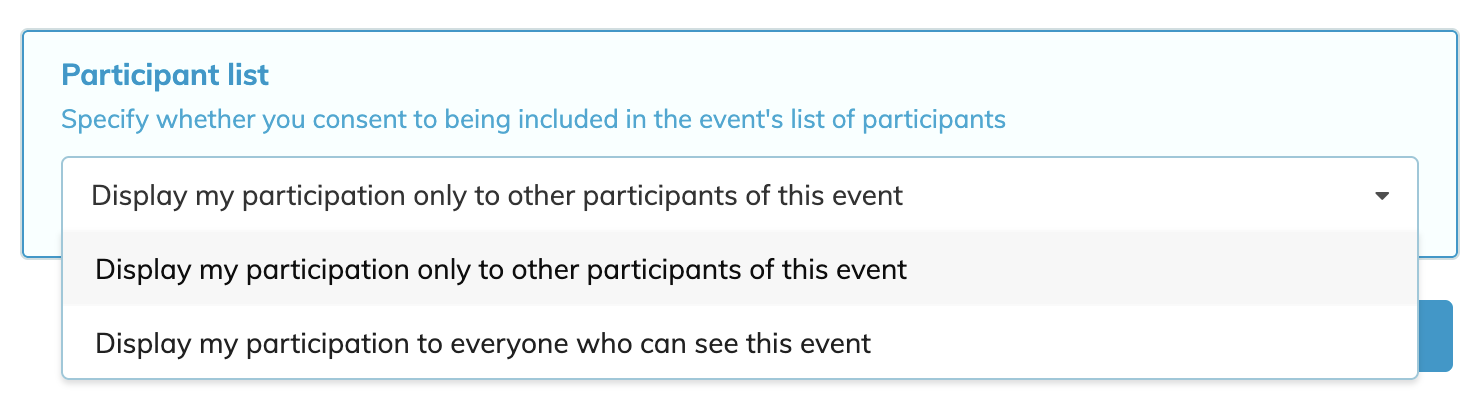
Then click Apply!
You will now receive an email stating that you have registered, and that it is awaiting approval. Once it is approved, you will get another email saying so. You will also get a link to modify your registration details - please try not to modify any significant details later on.
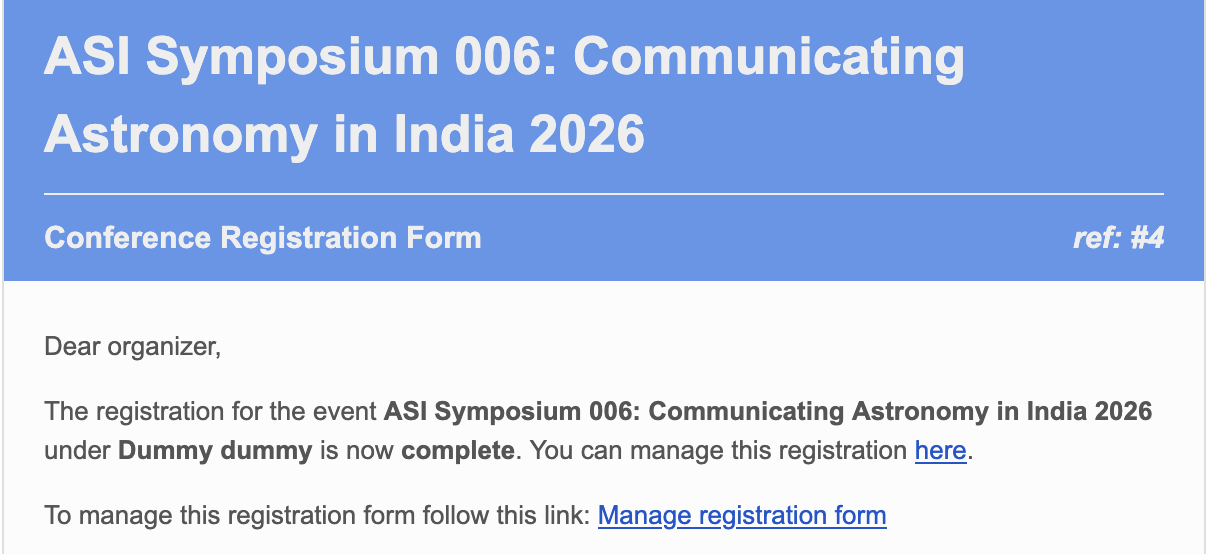
The email will look like the screenshot above. The link to modify your details is given there. Please note down the ref number, you will need to input it in the Call for Abstracts form if you choose to fill it in.
You have now registered successfully to attend the Symposium.
Further information will be emailed to you later.
Step 8: IF you would like to submit an abstract for a talk or a poster, then read the instructions under 'Applying for a talk/poster' in the menu on the left.